What is a Regular Expression?
A regular expression (regex) is a pattern you use to find text. Instead of searching for exact words, you describe what you're looking for. Want to find all email addresses in a document? All phone numbers? All dates? Regex can do that.
Think of it like this: if ctrl+F is a flashlight, regex is a metal detector. It finds things based on their shape, not their exact value.
How Regex Matching Works
flowchart LR
    A[Your Pattern] --> B[Regex Engine]
    C[Input Text] --> B
    B --> D{Match?}
    D -->|Yes| E[Found matches]
    D -->|No| F[No matches]
The Basics
Most characters in regex match themselves. The pattern cat matches the word "cat". Simple. But regex has special characters that do more interesting things.
Common Patterns
Email Address
✓ john@example.com
✓ test@company.org
✗ not-an-email
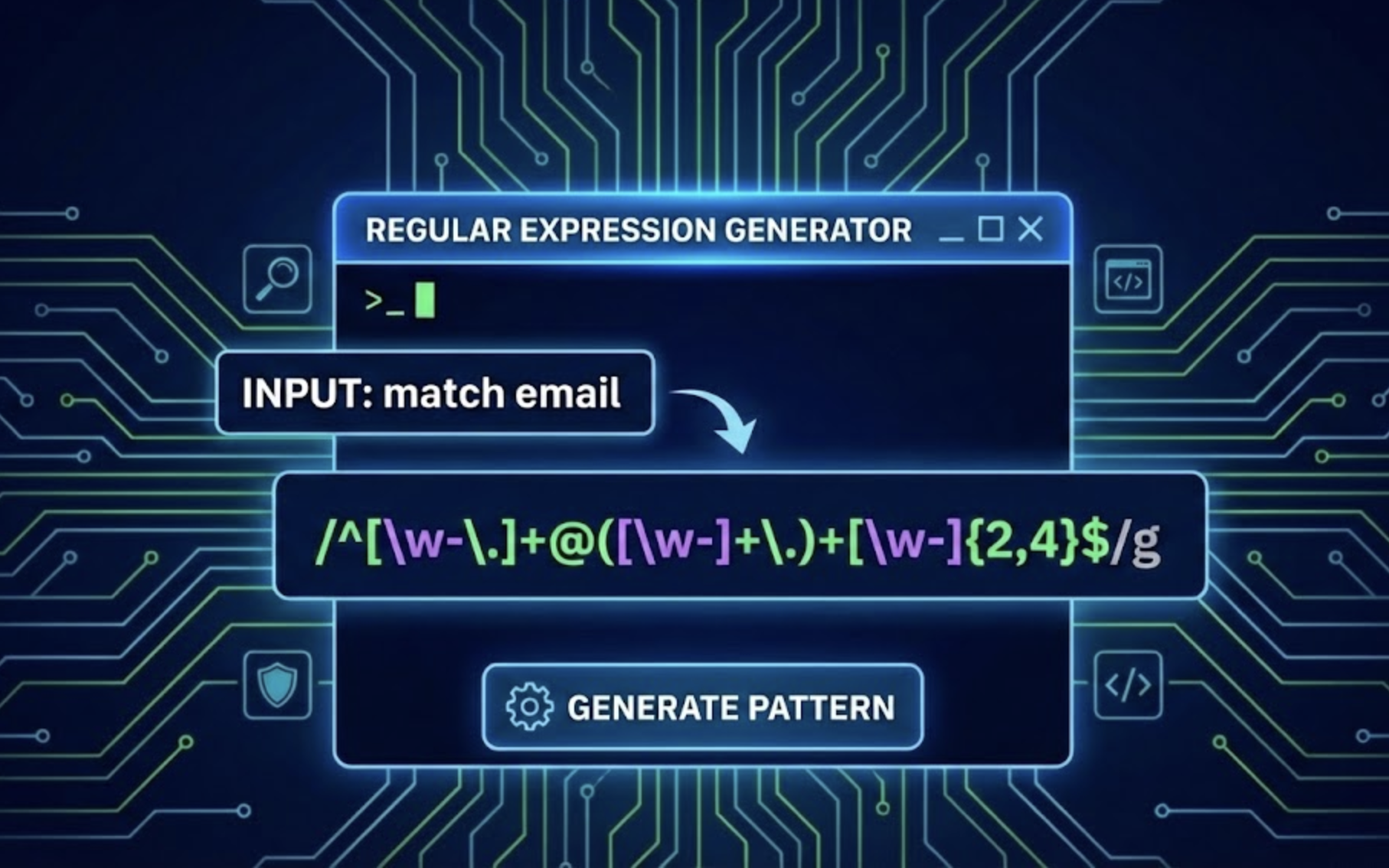
This matches: one or more word characters, then @, then more word characters, a dot, and more word characters.
Phone Number
✓ 555-123-4567
✓ 800-555-1234
✗ 12345
The {3} means "exactly 3 times". So this matches 3 digits, a dash, 3 digits, a dash, then 4 digits.
Date (YYYY-MM-DD)
✓ 2024-01-15
✓ 1999-12-31
✗ 01-15-2024
Four digits, dash, two digits, dash, two digits. The ISO date format.
Character Classes
flowchart TB
    subgraph "Character Classes"
        A["[abc]"] --> A1["Matches a, b, or c"]
        B["[a-z]"] --> B1["Any lowercase letter"]
        C["[0-9]"] --> C1["Any digit"]
        D["[^abc]"] --> D1["NOT a, b, or c"]
    end
Capture Groups
Parentheses () create capture groups. They save what they match so you can use it later. This is super useful for extracting parts of a pattern.
Input: john@example.com
Group 1: john
Group 2: example
Group 3: com
Now you can grab just the username, just the domain, or just the extension separately.
Flags
Flags change how the regex engine works. They go after the pattern.
When to Use Regex
- Validating input - Check if emails, phone numbers, or URLs are in the right format.
- Search and replace - Find patterns in text and replace them with something else.
- Extracting data - Pull specific information out of logs, documents, or web pages.
- Cleaning data - Remove unwanted characters or normalize formats.
Ready to Practice?
The best way to learn regex is by doing. Try our interactive tool with real-time matching.
Open Regex Tester